
想必现在大家都会用手机当闹钟使用吧?而一个适合的铃声可以轻柔地将你从睡眠中唤醒。那iphonex闹钟铃声怎么设置呢?
 iphonex闹钟铃声怎么设置
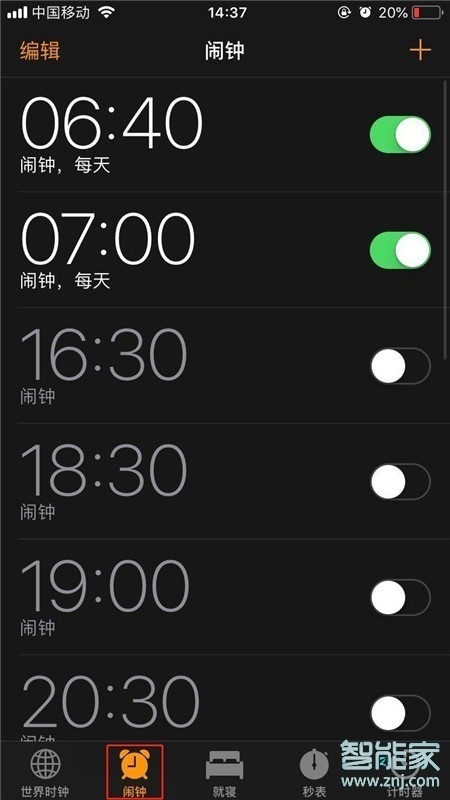
1、在手机桌面找到并打开【时钟】。

2、点击【闹钟】。
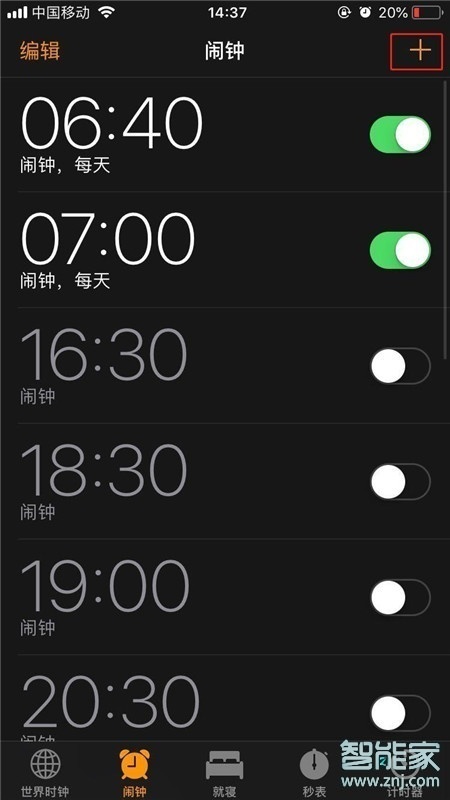
3、点击屏幕右上方【+】,添加新的闹钟。
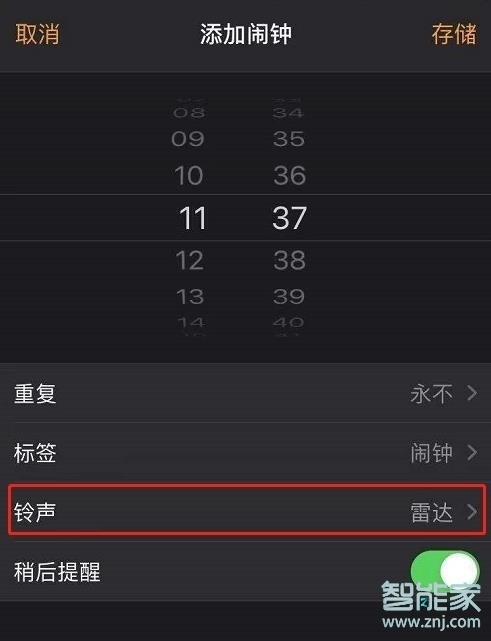
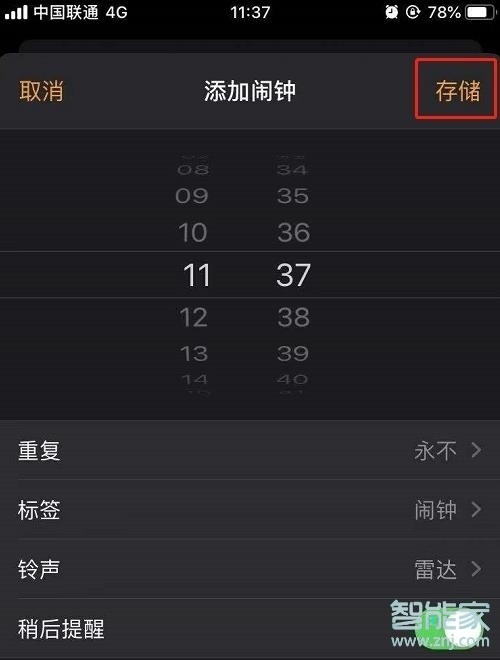
4、设置好时间之后,点击【铃声】。
5、选择喜欢的铃声,然后点击【返回】。
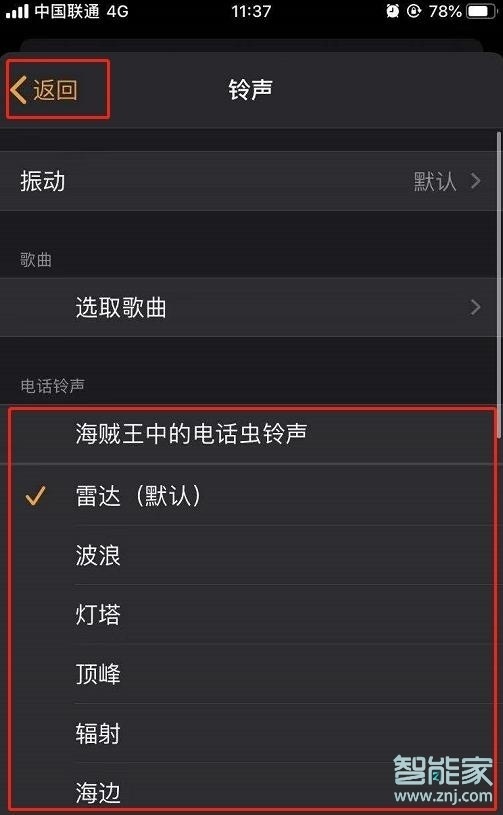
6、最后点击【存储】即可。
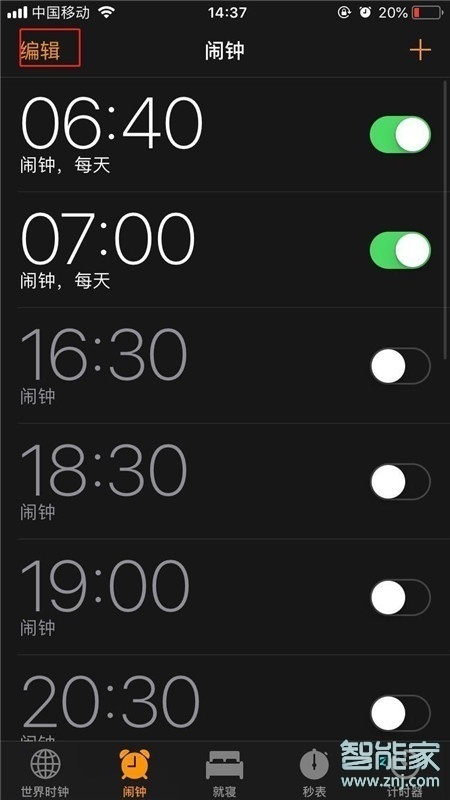
如需更改设定好的闹钟,点击【编辑】,即可重新编辑闹钟。
以上就是百科问题网百科问题网小编给大家带来的关于“iphonex闹钟铃声怎么设置”的全部内容了,了解更多智能资讯尽在百科问题网百科问题网(m.questions.com.cn)!