AirPods Pro 默认使用中号耳塞,其余两款耳塞位于无线充电盒下方的小盒子内。那么AirPods Pro怎么换耳塞呢,下面由小编来告诉大家吧。
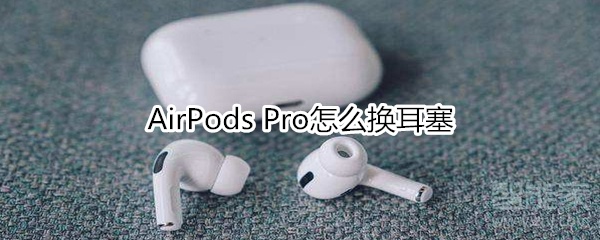 AirPods Pro怎么换耳塞
1.首先在 AirPods Pro包装盒内寻找方形小盒子。
2.然后选择并取出需要使用的耳塞。
3.再次用力将 AirPods Pro耳机上现有的耳塞摘下。
4.最后将新的耳塞用力压入指定位置即可。
以上就是小编为大家带来AirPods Pro怎么换耳塞的全部内容,更多智能资讯请关注百科问题网百科问题网(m.questions.com.cn)!