
opporeno6pro手机可以设置系统分身,输入不同的密码可以进入不同的空间,那opporeno6pro怎么设置双系统?一起来看看吧~
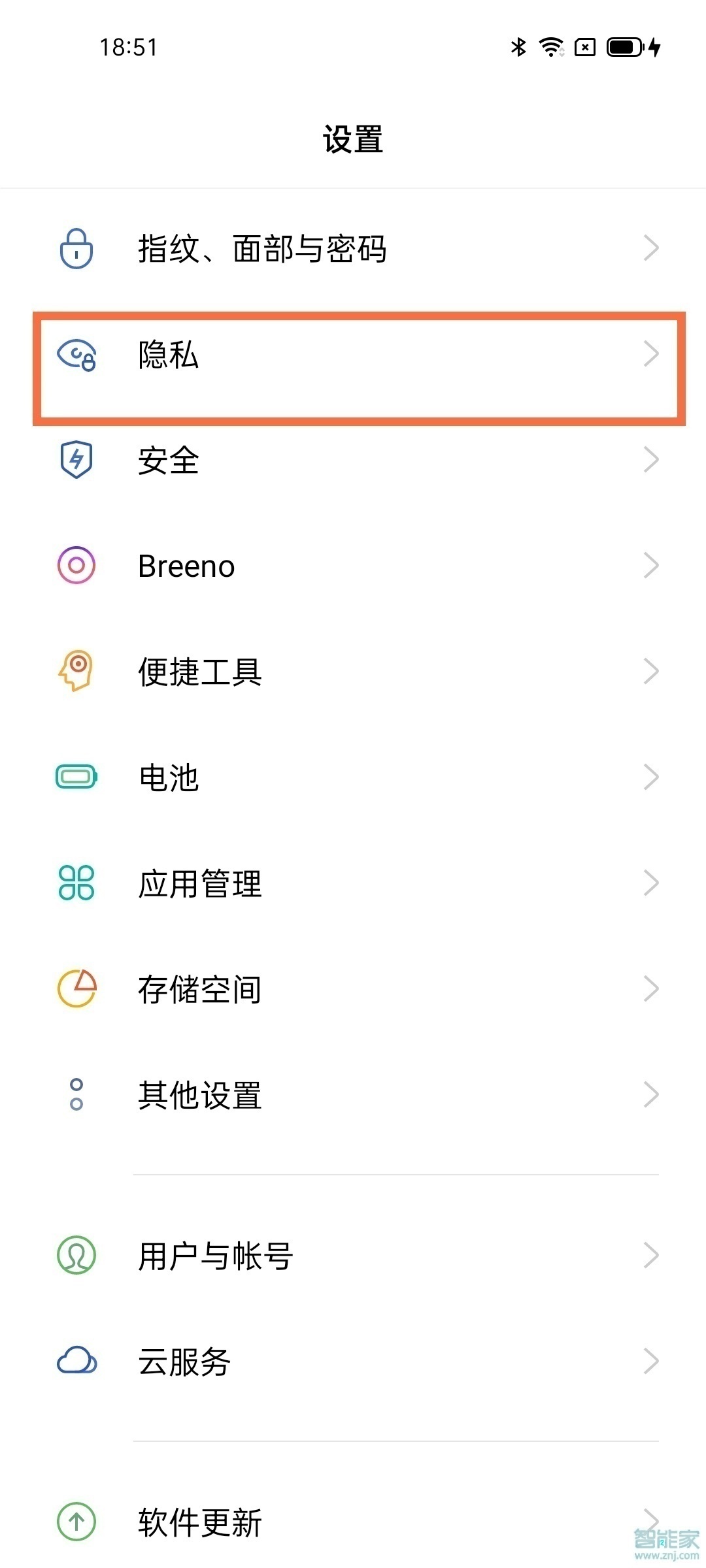
opporeno6pro怎么设置双系统?1、在手机设置中点击隐私。
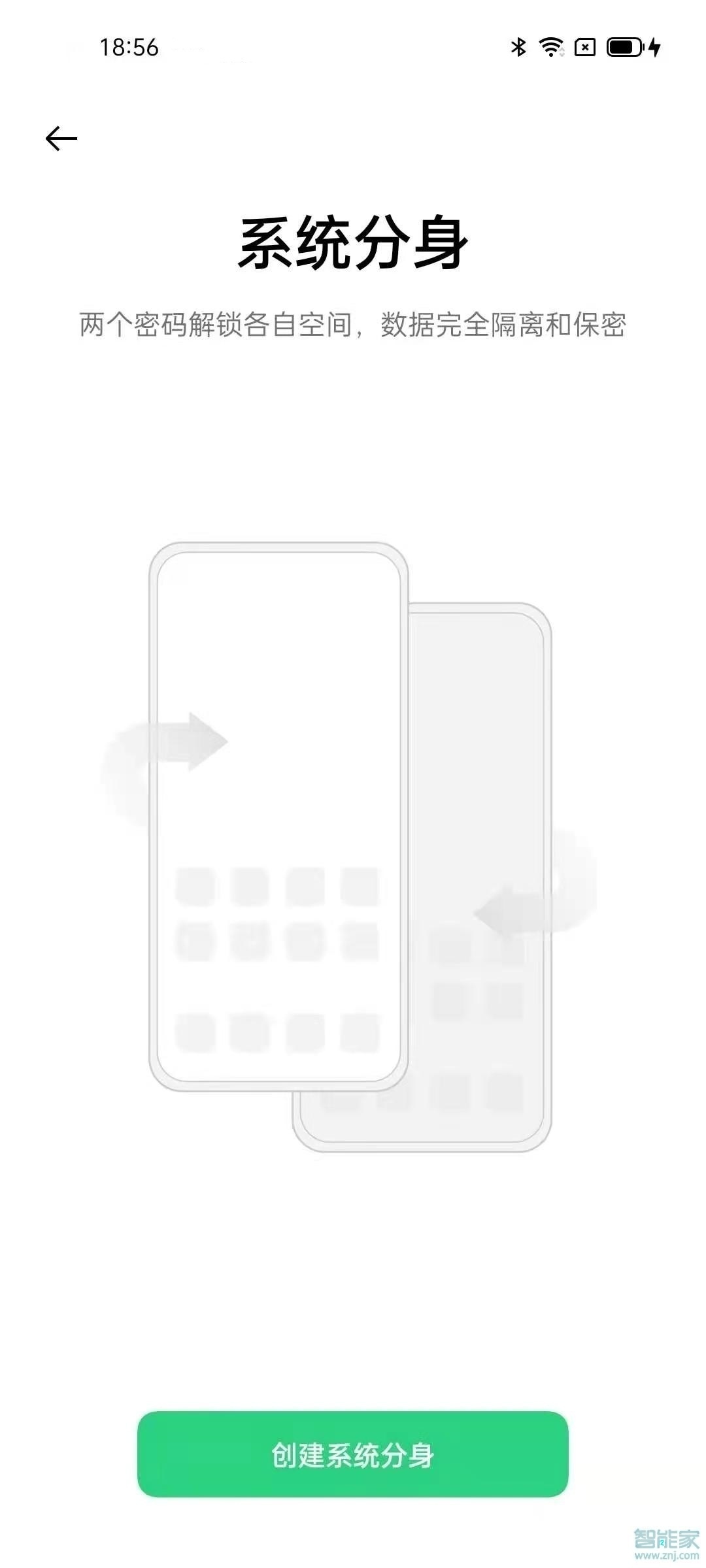
2、点击系统分身,点击创建系统分身。

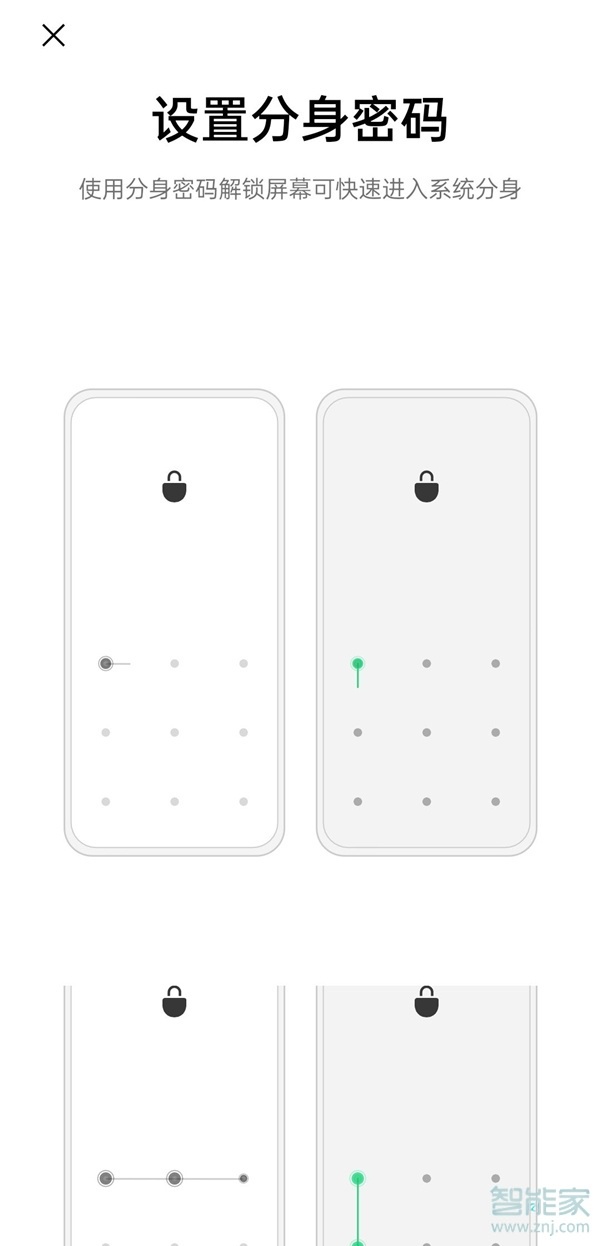
3、设置进入分身的密码,等创建成功即可。

本文以opporeno6pro为例适用于ColorOS 11.3系统
以上就是百科问题网百科问题网小编给大家带来的关于“opporeno6pro怎么设置双系统”的全部内容了,了解更多智能资讯尽在百科问题网百科问题网(m.questions.com.cn)!